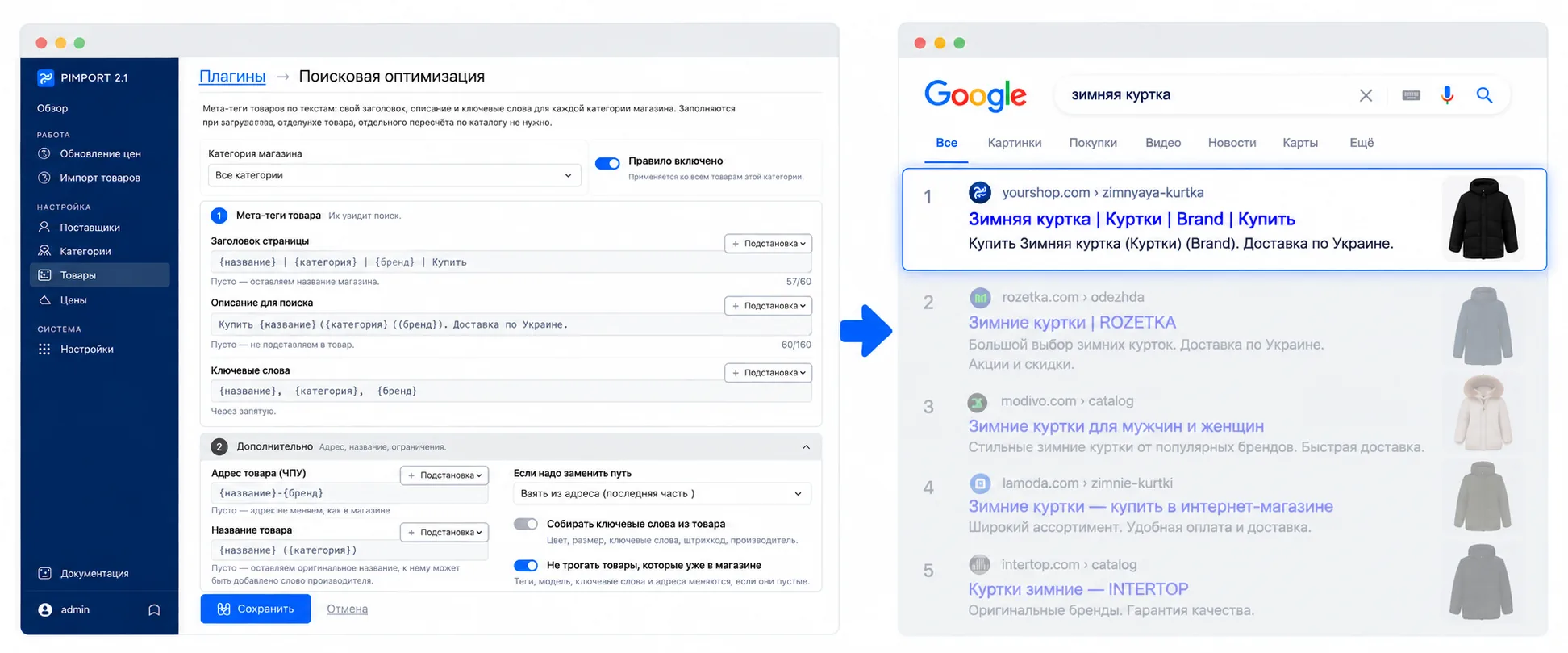
SEO meta tags
Product meta tags from a mask, a separate one per store category
Fills the page title, the search description and the keywords from a mask — a separate one for every store category. The mask takes the product name, SKU, price, brand, category, availability, attribute values and the supplier name, with shortcuts like trimming on a word boundary or transliterating for the address. Separate masks cover the product address and the product name itself. A length counter marks the 60 and 160 character lines, and a preview shows how the card will look in search results and in the store. Products already in the store are left alone by default — tags are filled in only where they are empty. It all happens while the product is being imported, so no separate pass over the catalogue is needed.