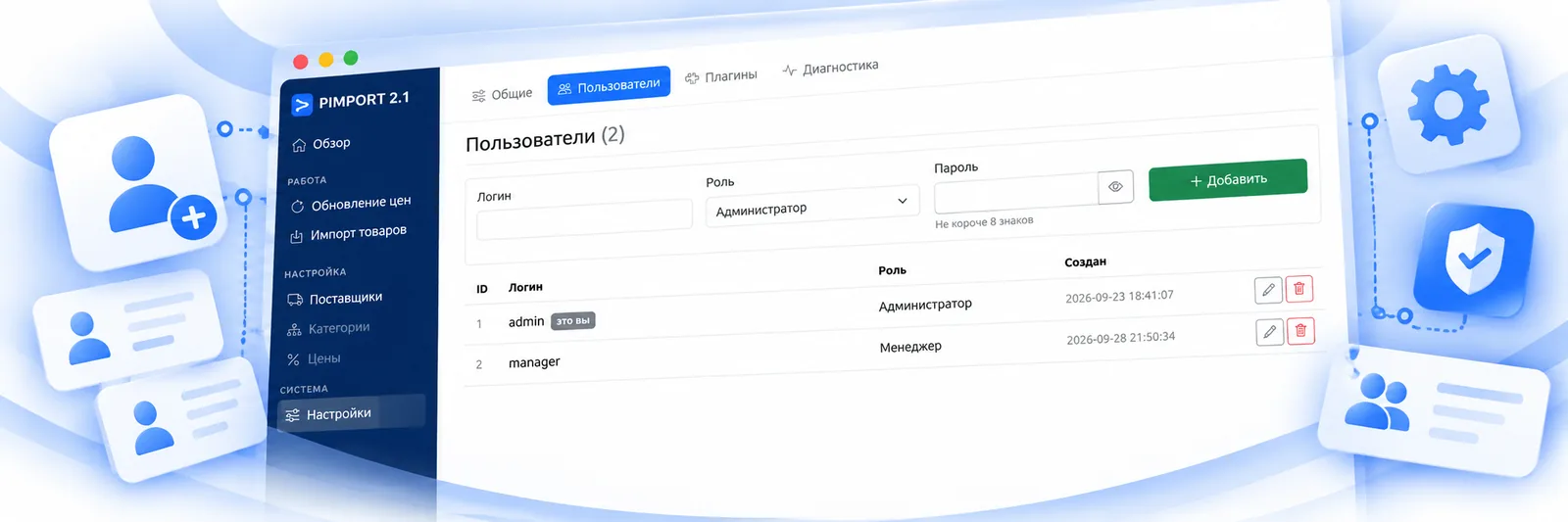
Settings → Users, available to administrators only.
Roles
An administrator sees everything, including supplier settings, users, plugins and diagnostics. An ordinary user works with the pipeline: starts imports and updates, sets up categories. If someone lacks access, an administrator changes their role right here.
Passwords
Passwords are stored hashed. Systems upgraded from old versions sometimes carry passwords saved as plain text — such a row is highlighted. The password becomes a hash at that user’s next login, but it is better to set a new one straight away.
After several failed attempts the login is blocked for fifteen minutes. That is brute-force protection; it does not need switching on.
What is not allowed
Deleting yourself, and deleting the last user: otherwise there would be nobody left to log in.
Sessions
Long jobs — imports and updates — run from the browser and hold a session. If the session expires mid-run, the work stops and you are offered to log in again; afterwards it continues from where it stopped, because the queue is still there.