The supplier asks: “What format do you want the price list in?” The answer decides how much work the connection takes and how reliably updates will run. Here is how XML, YML, CSV and Excel differ, what in a feed matters more than its format, and how to word the request to your supplier.
This article is about which source to choose and ask for. How a feed you already have is set up in the program is described in the documentation: Feed formats.
First: a link or a file
This matters more than the file extension. A feed at a permanent link that the supplier refreshes themselves can be fetched on a schedule: the program downloads it when needed and nobody forwards anything. A file by e-mail needs someone to save and upload it every time — and the update happens when that person gets round to it.
If the supplier offers both, ask for the link. If the link sits behind a wholesale account login, that can be handled too, but as a separate setup for that supplier.
Four formats
YML
An XML dialect for product catalogues, created for Yandex.Market and adopted by Prom and Rozetka. It has nothing to do with YAML. Its main strength is that every field has its place: categories as a separate tree, and each product with a code, price, availability, brand, pictures and attributes. If the supplier already lists products on a marketplace, they almost certainly have such a file, and it is the quickest to connect.
Custom XML
Also a tree of tags, but laid out however the supplier decided. The data inside is usually good, but you have to describe once where everything is: which tag is the code, which is the price. If the file is deeply nested or a product is assembled from several files, it needs a parser written for that supplier.
CSV
A plain text table: one row per product, columns separated by commas or semicolons. Fast to read and almost unlimited in size. Weak spots: there are no standard column names, encodings vary, and nested data — categories, several photos, variants — is packed differently by every supplier. During setup you say once which column means what.
Excel
The most common and the least convenient for automation. A workbook is made for people: merged header cells, row groups instead of categories, prices on one sheet and stock on another. It can be read, but the parser is written for that particular file and breaks when the supplier changes the layout. If the supplier has CSV or XML with the same data, take that instead.
Comparison
| Format | Strengths | What to look at |
|---|---|---|
| YML | Fields in fixed places, category tree, often ready-made | Completeness: description, photos, attributes |
| Custom XML | Any structure, usually behind a link | Where each field is described; nesting |
| CSV | Simple, fast, large volumes | Delimiter, encoding, how photos and categories are packed |
| Excel | Almost everyone has one | Merged cells, several sheets, frequent layout changes |
What matters more than the format
A perfect YML without a product code is worse than a messy CSV with one. Check the contents:
- A permanent product code. One that does not change from one export to the next. It is how a product is recognised on update; without it every repeat import risks creating duplicates. More in Repeat imports: avoiding duplicates.
- Price and currency. Retail or wholesale, with or without tax, in which currency.
- Availability. At least “yes / no”. Not every supplier gives an exact quantity, and it is not always needed.
- Category. A tree or at least a name — otherwise products have to be sorted by other signs.
- Photos as links that open without a login.
- Description and attributes — if products are to be created, not just repriced.
- Manufacturer part number or barcode — if you have several suppliers and the same product may come from two. See Several suppliers in one store.
How to ask
A short message you can send to the supplier almost as is:
Hello! To load your products into our store we need a feed at a permanent link — preferably YML or XML, CSV is fine too. Please make sure it includes a product code that does not change, the price with its currency, availability, category, photo links and a description. Could you also tell us how often it is refreshed?
If the answer is “we only have Excel”, that is not the end: it can be read too. Just allow more time for the connection and ask the supplier to warn you about changes to the file. If the answer is “there is no price list, look at the website”, there is a separate route: collecting data from the supplier’s site.
Formats in PIMPORT
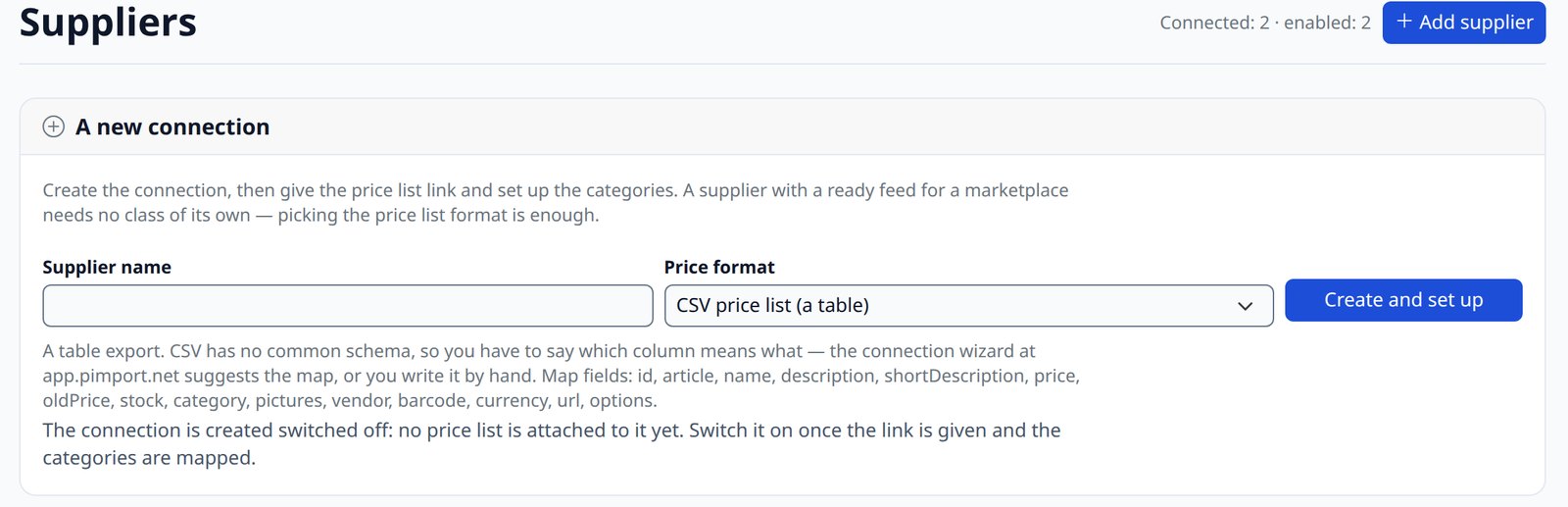
Without extra development the program reads YML, exports for Prom, Rozetka, Horoshop and Google Merchant, custom XML through a field map and CSV through a column map. Excel is connected with the Excel price feeds plugin, with a parser for the particular supplier’s workbook. A feed behind a login, spread over several files or collected from site pages needs a dedicated supplier class, which we write.
Feed size is limited by hosting memory rather than by the format: parsing needs several times more memory than the file weighs. If your feed is large, mention it up front and we will check it on your hosting.
The wider picture — the ways to import and how to choose yours — is in How to import supplier products into your online store.