If your store sells from supplier stock, your catalogue depends on the supplier’s prices and availability, and those live in the supplier’s feed. That feed is built the way the supplier finds convenient — XML behind a link, CSV with semicolons, an Excel workbook with merged header cells. Work with three suppliers and you get three different formats.
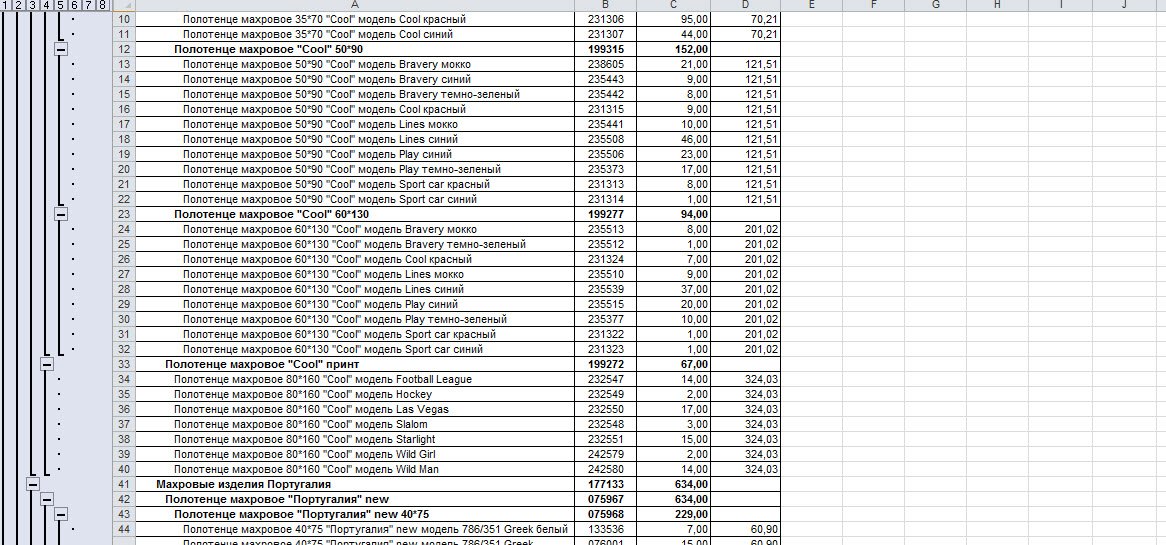
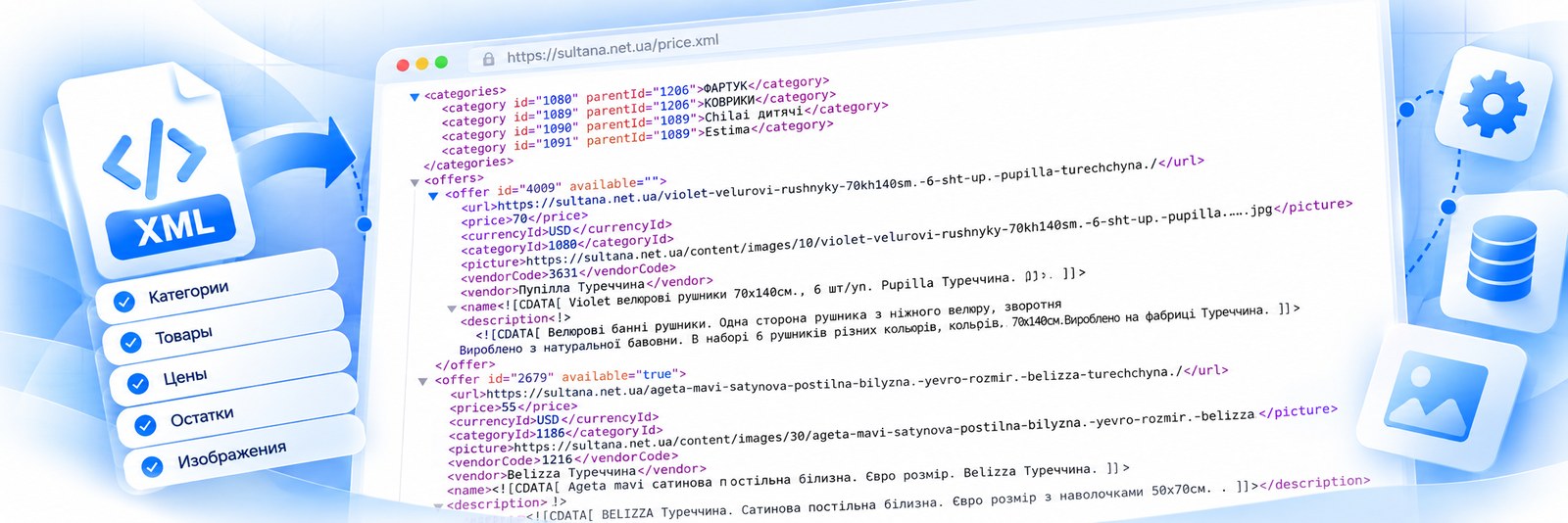
From there the question is one: how do you move this into the store, and how often.
1. By hand
Works while there are dozens of items. At hundreds the arithmetic starts: even a minute per product is several hours per feed update, and feeds do not change once a year.
2. Hire someone
Takes the routine off you but does not remove it: a wrong price is now their mistake and your consequence. And it is paid every month, whether the feed changed a lot or twice.
3. A cloud service
Quick to set up, paid monthly. Two caveats: your catalogue data leaves for someone else’s side, and the service may not support every processing rule you need. Check which rules it supports and whether custom rules or integrations are available. Subscription terms differ: with many services the import stops when the payments do — worth reading before you start.
4. A module for your CMS
Cheap and close at hand. But a module lives inside the engine and updates with it: update the store and the module may break. And on a large feed it hits the same limits as the store itself — execution time and memory.
5. A separate program on your own hosting
The program sits next to the store rather than inside it, and writes into its database through an engine driver. Hence its properties:
- feed size is limited by your hosting memory rather than by the program: parsing needs roughly three times what the file weighs;
- the program runs next to the store rather than inside it, so a store update does not stop it. After a major engine update its driver still has to be checked for compatibility;
- the program sets no limit on the number of suppliers or items — the limit comes from the memory and time your hosting allows;
- processing is configured with plugins: markup, replacements, images, meta tags;
- paid once, with no subscription and no activation keys.
The honest downside: it is a separate program that has to be installed and set up, and if you have few products that rarely change, it may be more than you need.
How to choose
The number of products does not decide on its own. What matters more is how many suppliers you have, what formats their feeds come in, how often they change and who will maintain the solution. One supplier whose feed suits your CMS module and infrequent updates — the module may be enough. Several suppliers, different formats and scheduled updates — a separate program may suit better. Compare the total cost for your case: initial setup, additional suppliers, hosting, paid plugins and ongoing support or subscriptions.
If you are only choosing how to load supplier products, start with the overview: How to import supplier products into your online store. Why a repeat upload creates duplicates and how to avoid them is in Repeat imports.
What we can read and what we need from you is on the Suppliers page. To check it against your own feed, send a link.